Scan, crop, enhance
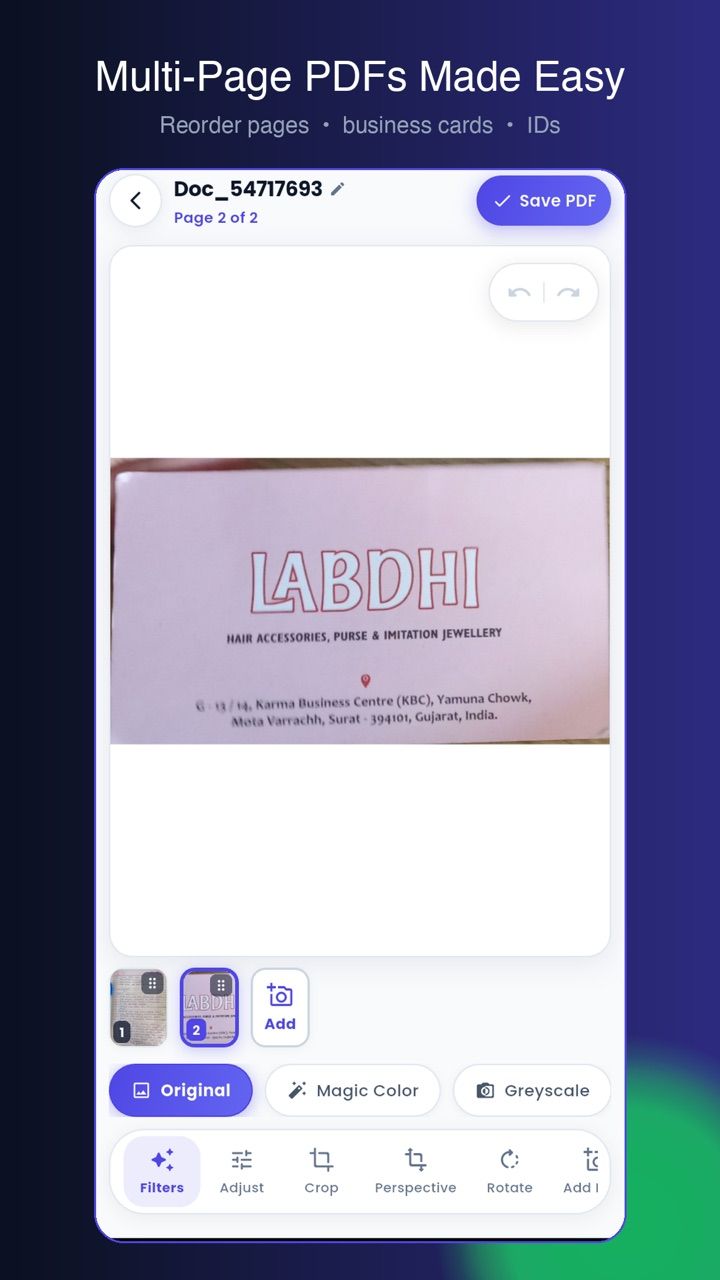
Automatic edge detection, perspective correction, rotation and filters. Reorder pages by dragging the thumbnail strip before you export.
Scan, OCR and lock documents to PDF, with everything kept in a vault on your phone.
Free to install · Android 9 and newer
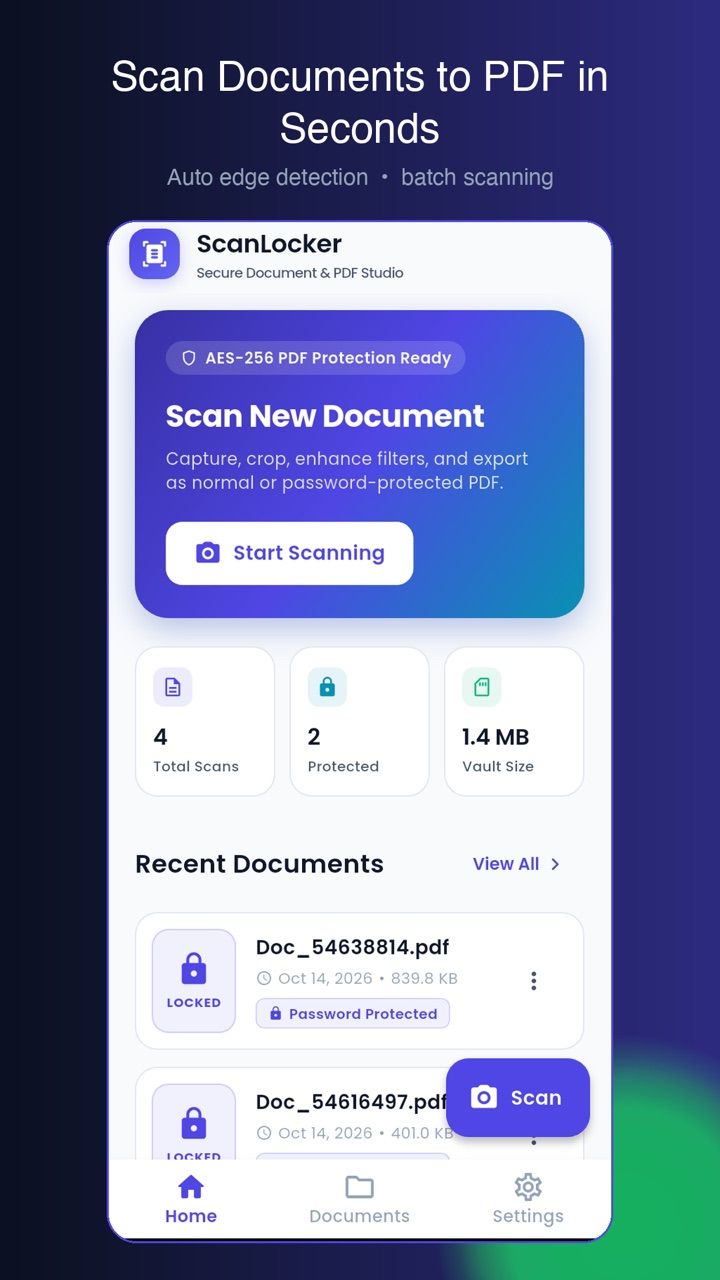
A document scanner that turns paper into searchable, password-protected PDFs using on-device ML Kit — with folders, full-text search, an app lock and encrypted backups.
Everything below works with the network switched off.
Automatic edge detection, perspective correction, rotation and filters. Reorder pages by dragging the thumbnail strip before you export.
On-device OCR embeds an invisible text layer at export, so you can find and copy words later. Recognition covers English and Hindi, with a single-file override.
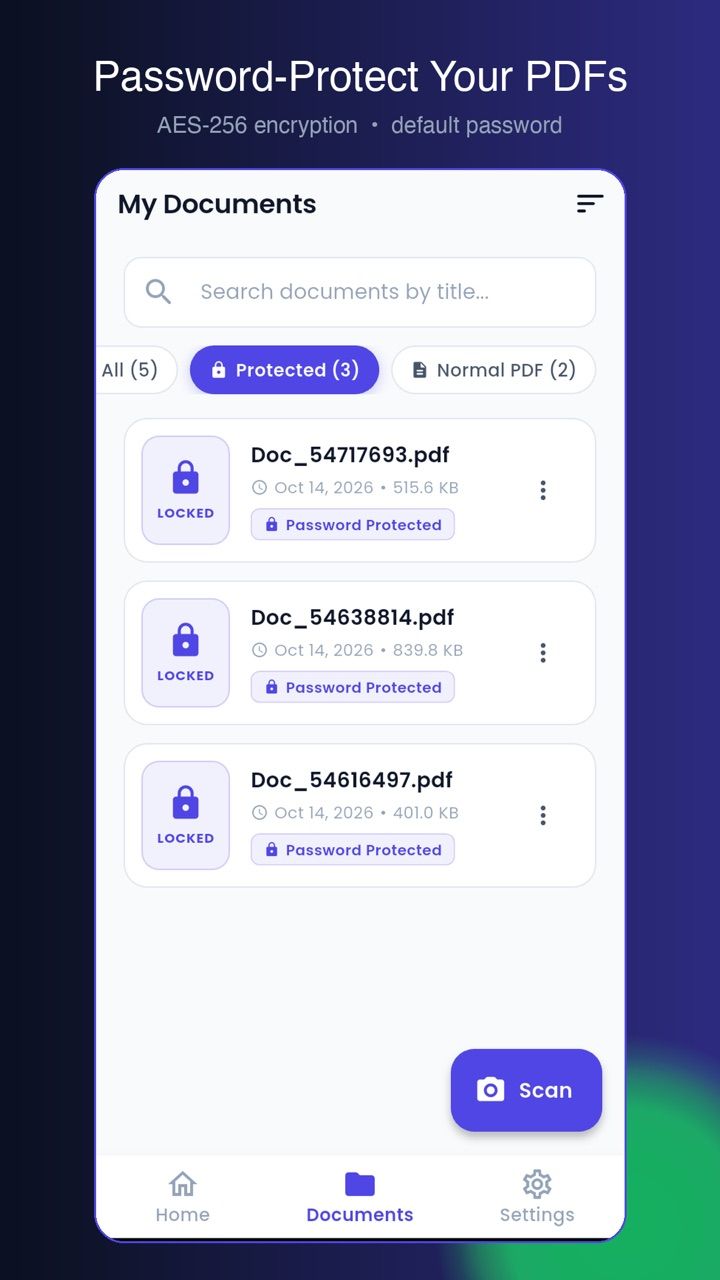
Add, change or remove a password with 256-bit AES. Files are protected before they ever leave the app.
A password or Face ID / fingerprint gate on resume keeps the vault closed when the phone changes hands.
Receipts, IDs and business cards get their own folders. Search titles, folders, tags, and the text inside every document with a local index.
A password-protected full-vault backup you control, with a newer-wins merge on restore. No account, no sync server.
Three steps from install to the first real use.
Point the camera at the document. ScanLocker detects the edges and corrects the perspective for you.
Crop, rotate, filter and reorder. Merge separate documents or split out a page range.
Save with OCR, choose a compression level, and add a password if the document is sensitive.
com.scanlocker.appCan't find it here? Ask support — a real person answers.
Practical guides on running a cafe, billing and the floor — written by the team that builds ScanLocker.
When someone asks for a scanner with "no page limit", they usually mean one of three different caps. How to check each one before you install, and where the limits actually live.
ReadA scanner is a camera and a PDF writer. What separates the apps is whether the OCR runs on your phone or on a server that keeps a copy of the receipt.
ReadHow ScanLocker turns a photo of paper into a searchable, password-protected PDF using ML Kit and local libraries — and what that costs in binary size and complexity.
ReadScanLocker's privacy policy and terms are hosted here, identical to the text bundled inside the app.

Pause the endless scroll. Solve one small puzzle first.
A gallery that feels like a feed. An editor that stays offline.

Your phone, one swipe away.

The iPhone home screen, on your Android.

Run the counter, the tables and the kitchen from one screen.