Private by construction
Media is read through Android’s media store and processed on the device. No upload, no account, no cloud render queue. Files leave only when you explicitly share or export them.
Your gallery as a private reel feed, with a full video editor that never uploads a frame.
Free to install · Android 9 and newer
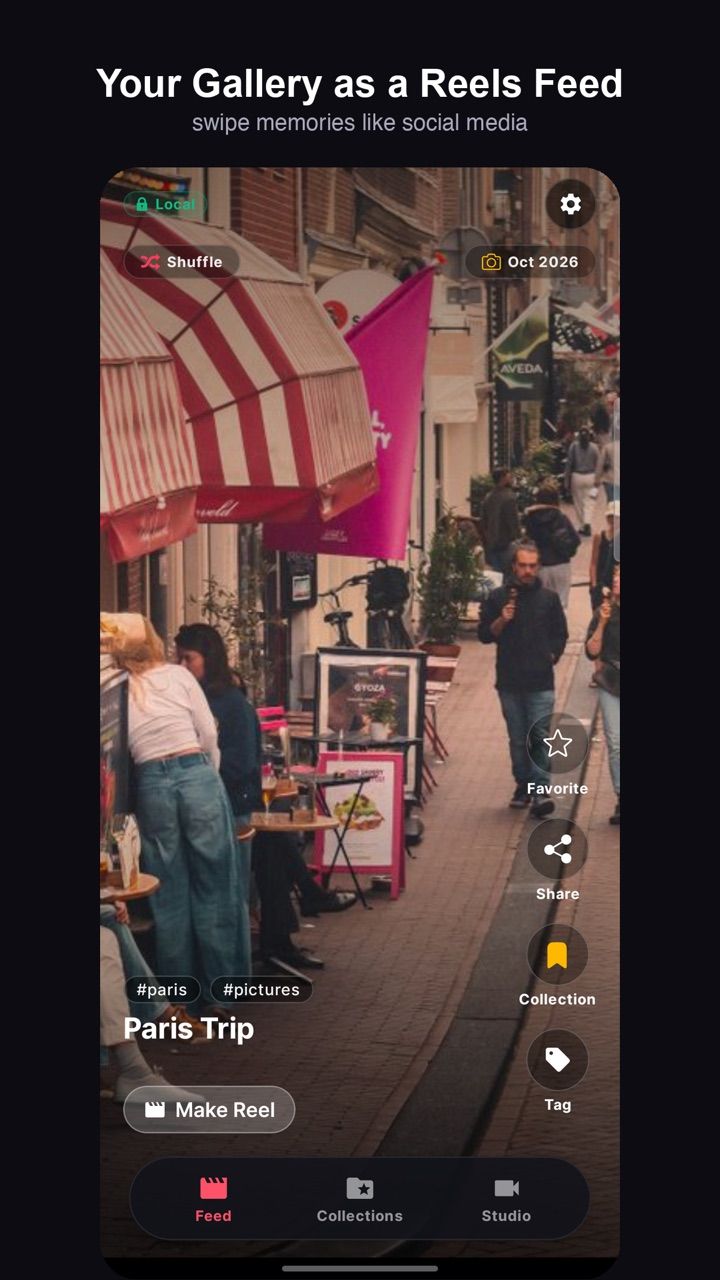
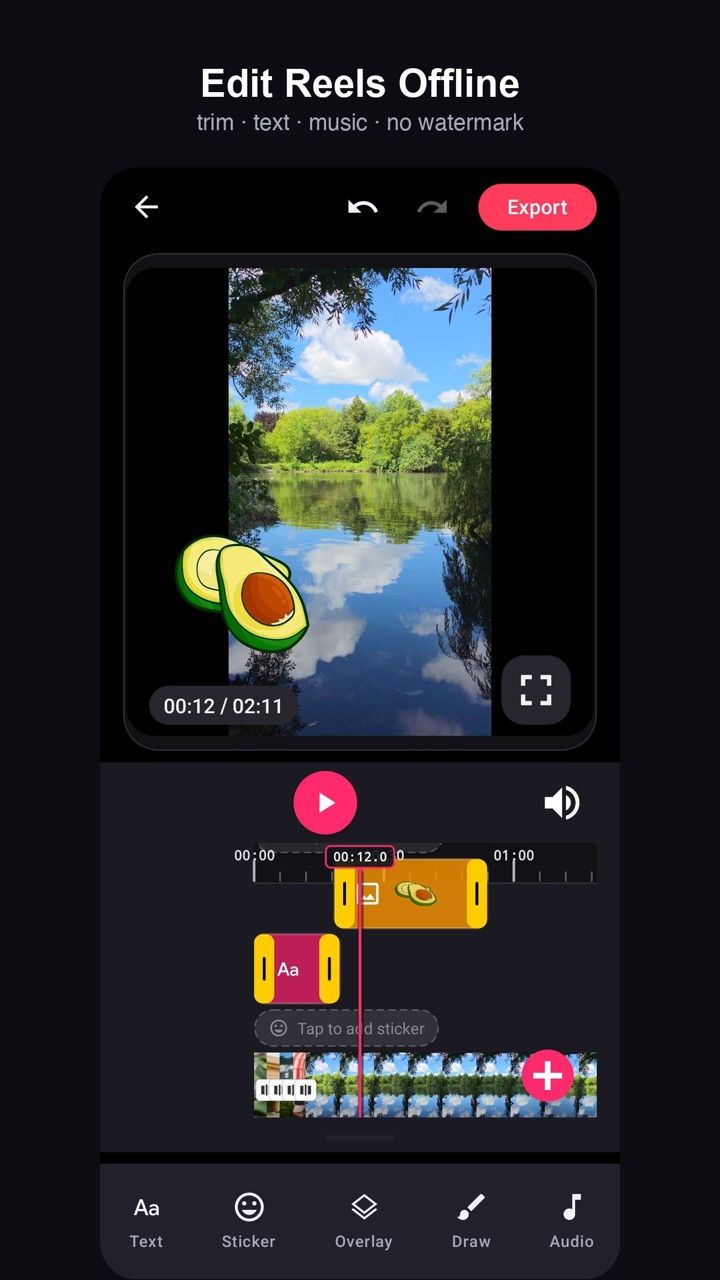
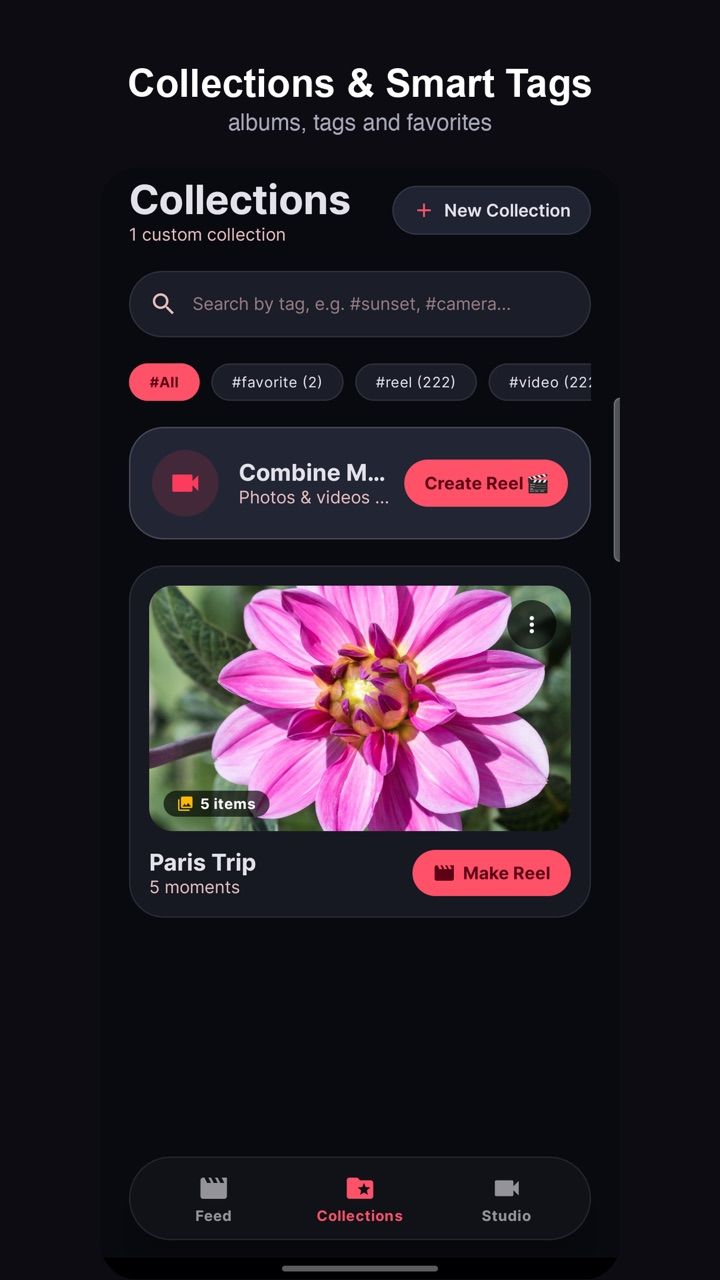
A local-first gallery that plays your photos and videos as a vertical reel, plus a non-linear editor with text, masks, transitions and audio — rendered entirely on the device.
Everything below works with the network switched off.
Media is read through Android’s media store and processed on the device. No upload, no account, no cloud render queue. Files leave only when you explicitly share or export them.
Swipe full-screen photos and videos instead of scrolling a grid. Favourites, manual tags and tags derived from your albums keep the feed to the moments you actually want.
Build your own collections, tag media and filter by tag. A collection can become a reel in one tap, so the trip you organised is the trip you edit. Locations and device badges come from EXIF, and sharing can strip that metadata when you want it gone.
Trim, split, merge, speed, reverse, crop to any aspect ratio, add text with keyframes, overlays, masks, transitions, subtitles, voice-over and background audio on a timeline with undo and redo.
Exports are rendered on the device, so a long reel never depends on a server queue or an upload limit. Your original clips are never modified.
Every finished reel lands in Studio: replay, share or delete from one place, without hunting through folders.
Three steps from install to the first real use.
ReelRoll reads your library through the Android media store. You can allow the full library or only selected items on Android 14 and newer.
Watch your gallery as a vertical feed, or pick clips and open the editor to build something new.
Render locally to Movies/ReelRoll, share when you choose — with or without the location metadata.
com.prodevinfotech.reelrollCan't find it here? Ask support — a real person answers.
Practical guides on running a cafe, billing and the floor — written by the team that builds ReelRoll.
Your photos are in a grid you never scroll and folders you never open. A gallery that browses like a feed and organises by tag is a different product — here is how the Android options compare.
ReadA non-linear editor on a phone is a rendering problem, an undo problem and a storage problem. How ReelRoll keeps all three local with FFmpeg, an operation list and no cloud queue.
ReadReelRoll's privacy policy and terms are hosted here, identical to the text bundled inside the app.

Pause the endless scroll. Solve one small puzzle first.

Paper to private PDF, without a cloud account.

Your phone, one swipe away.

The iPhone home screen, on your Android.

Run the counter, the tables and the kitchen from one screen.